
File sharing
Browse the phone storage by folder, or scan photos, videos and audio into thumbnail grids. Search, sort and download whatever you need to your computer.
AndLink connects your phone and computer on the same local network. Browse and download files from your phone, chat and exchange media, mirror the screen and run quick actions from the desktop client — or open the built-in web console in any browser with the connect code. No account, no cable, nothing routed through the cloud.

Supported clients
Start the service on your phone, then use the desktop client or any browser.
Browse the phone storage by folder, or scan photos, videos and audio into thumbnail grids. Search, sort and download whatever you need to your computer.
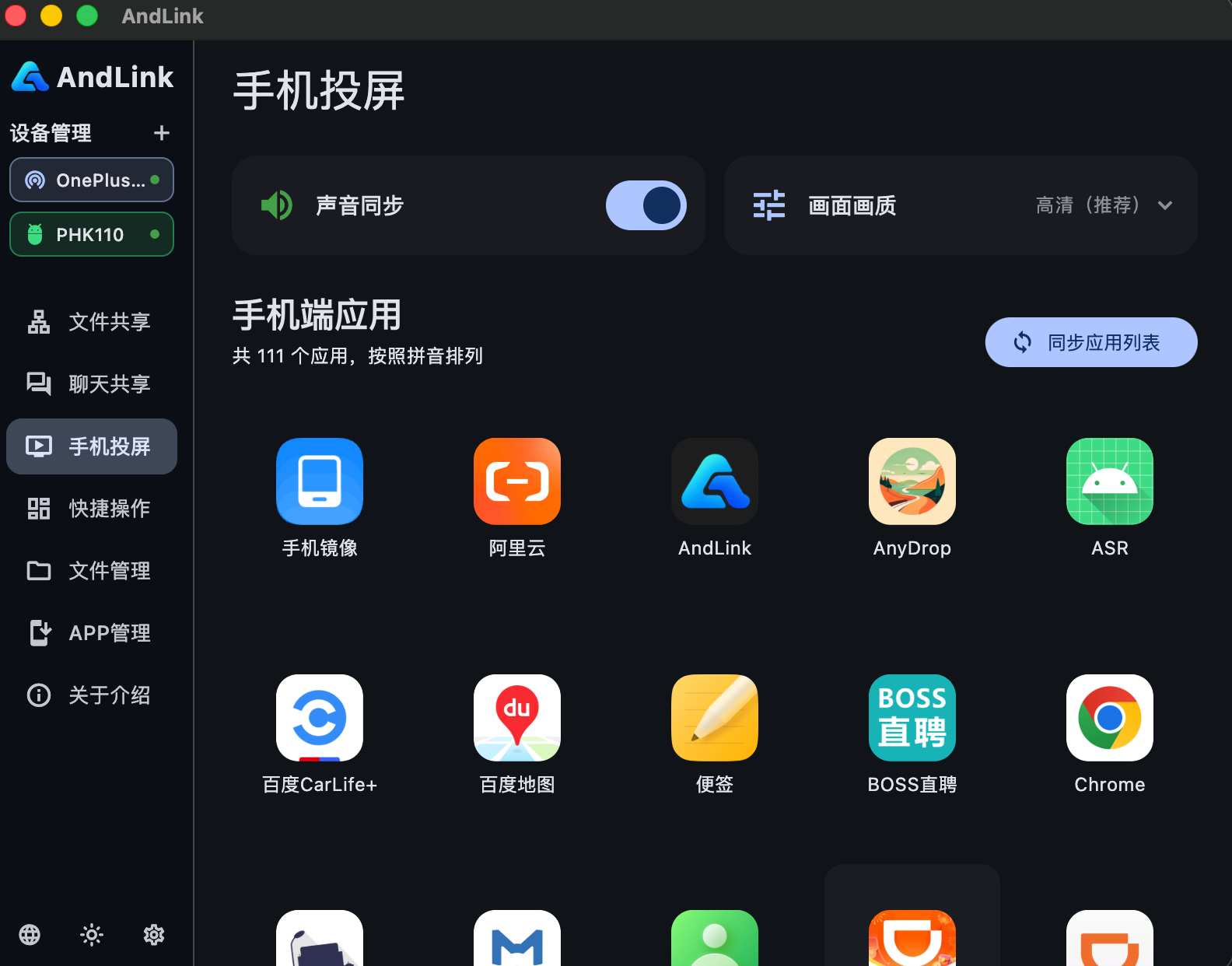
Mirror the phone screen to your computer in real time, with screenshots and screen recording — the picture and your actions stay in sync.
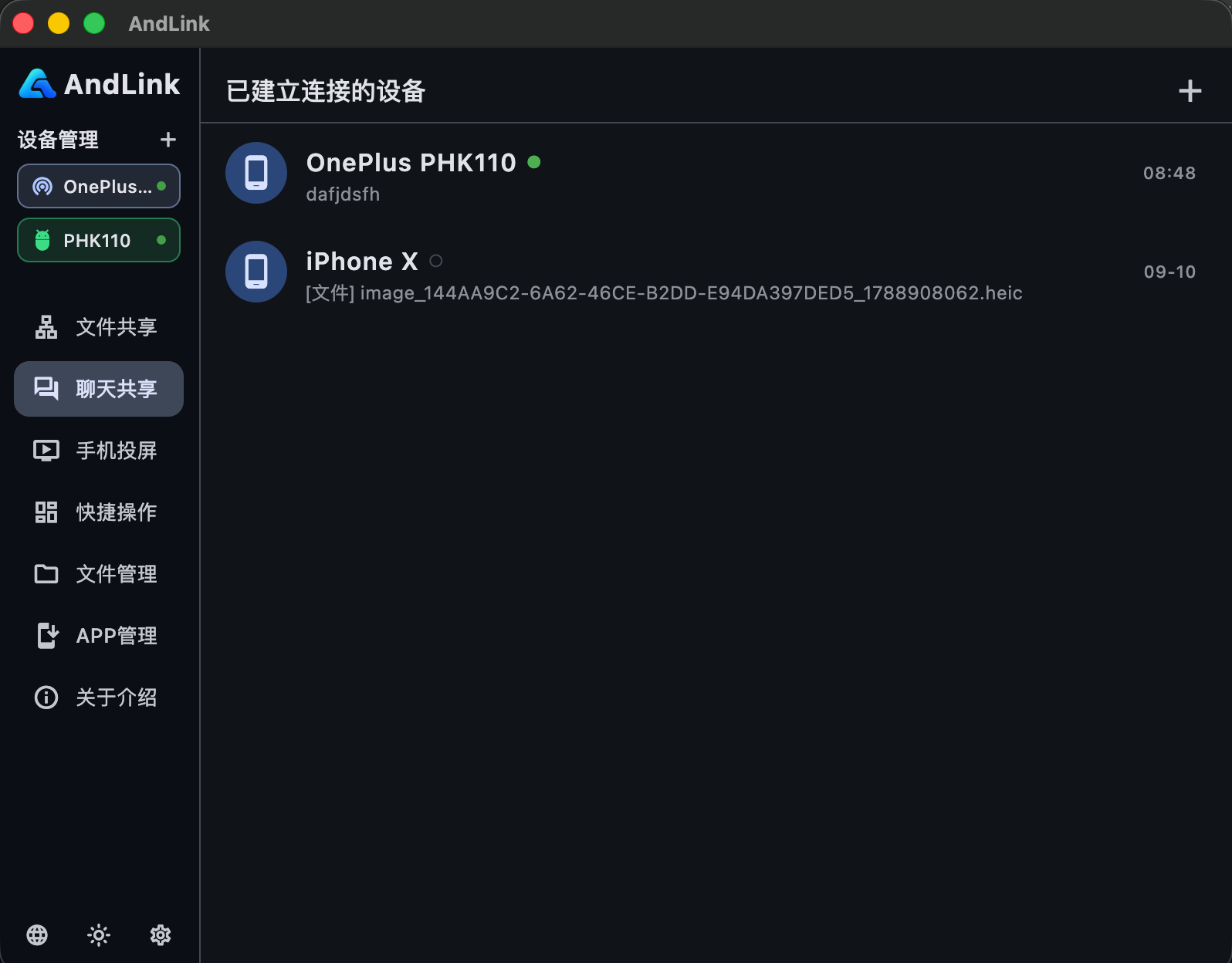
Exchange text, images and files between computer and phone. Sent items show as delivered, received ones as saved — and are stored in your chosen folder.
Auto-discovers phones running the AndLink service on your LAN. Enter the connect code to link up, keep several phones connected and switch between them anytime.
The phone serves a built-in web page. Enter the access address in any browser, verify the connect code and use file sharing and chat with no install.
Run screenshots and recordings on the connected phone, and view, install or uninstall its apps remotely.
Both devices just need to be on the same local network — about one minute.
Install AndLink on your phone, turn on sharing and note the access address and connect code.
Pick the phone in the desktop client device manager and enter the connect code — or open the access address in a browser.
Browse and download files, chat, mirror the screen and run quick actions, all inside your local network.
Still unsure? Get in touch with us.
No. AndLink talks directly over your local network — no sign-up, no cable. Just start the service on your phone.
No. Files and mirrored frames travel over your local network only. Nothing touches the cloud.
Android 8.0 or later on the phone side; macOS 12+, Windows 8+ and Linux desktop clients, plus any modern browser for the web console.
It is shown on the phone home screen. Copy it with the copy button or edit it with the edit button before connecting from the desktop client or browser.
Yes. The desktop client keeps multiple phones connected, marks the active one as in use and lets you switch by clicking a device entry.
The whole phone storage by default. After granting full storage access, public folders such as DCIM and Pictures become browsable too, and the shared scope can be adjusted in the phone app.
Download AndLink, start the service on your phone and enter the connect code on your computer.
Scan the QR code with WeChat to chat with us